Five Guys is a popular American fast-food restaurant known for its fresh, made-to-order burgers, hand-cut fries, and highly customizable menu. Founded in 1986, it emphasises simplicity and quality, allowing customers to build their own burgers with a wide range of free toppings. Its signature fries are made from fresh potatoes and cooked in peanut oil, typically served in generous portions, along with complimentary roasted peanuts available in many locations. The brand uses fresh, never-frozen beef patties, contributing to its reputation for higher-quality fast food and supporting its international expansion.
Note: All purchases on SEAGM are final. Once delivered, they cannot be returned, exchanged, or refunded.
Step 1: Log in or register for an account in SEAGM. On the top menu, enter the keywords "Five Guys" and search. Select "Five Guys Gift Card [US]". 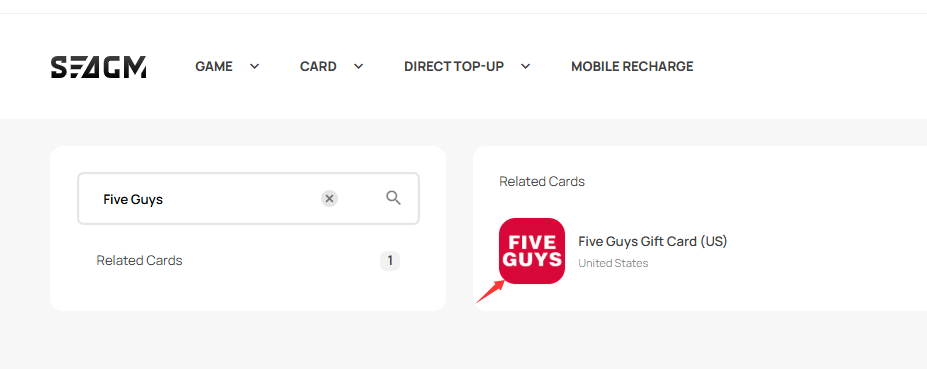
Step 2: Select the desired amount, enter the quantity, and click "Buy Now" to proceed.
Step 3: Please confirm the amount and quantity selected, then click "Pay Now" once confirmed. 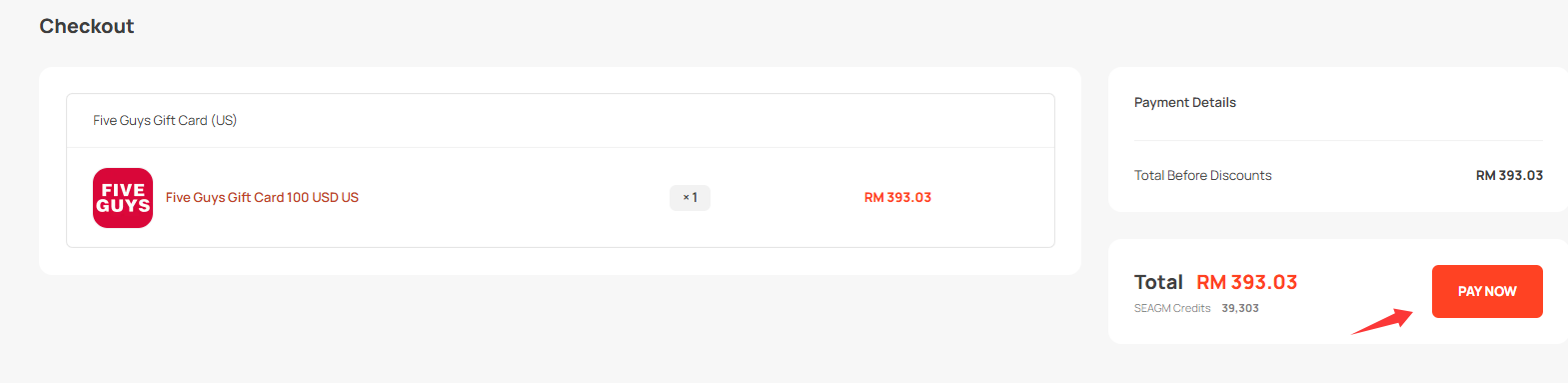
Step 4: Select your desired payment method and click "Pay Now" to complete your payment.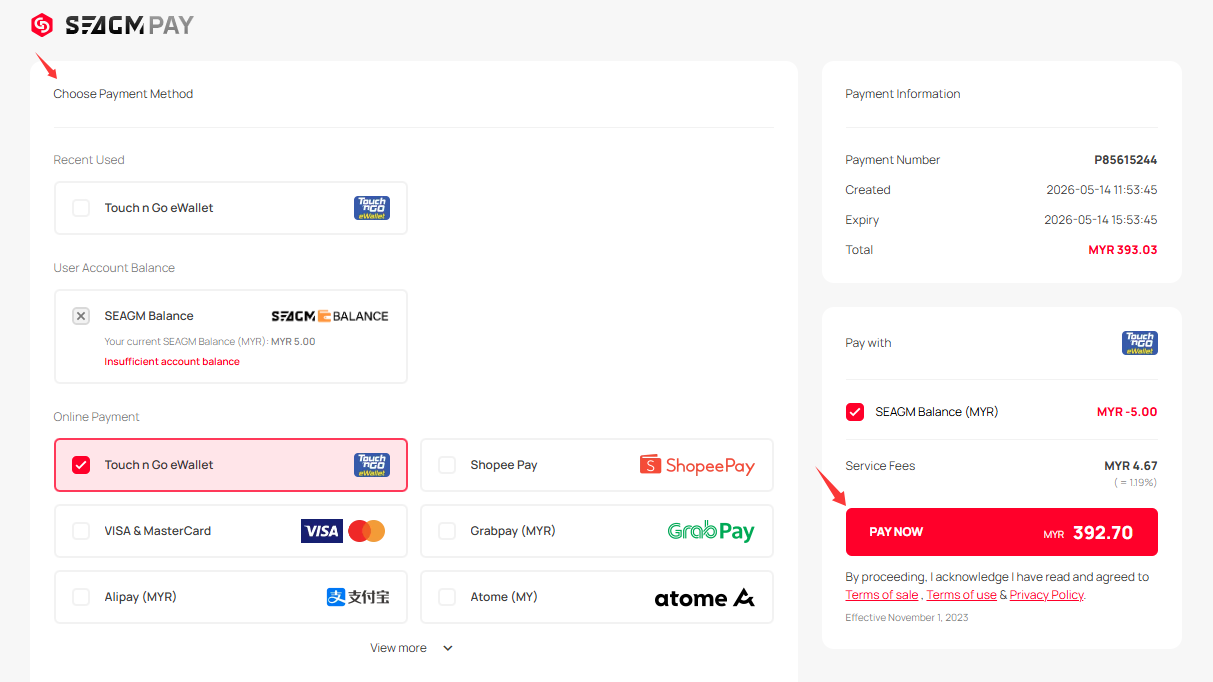
Step 5: Once payment is completed, you may retrieve your code under your User profile in My Cards. For pre-ordered products, it might take a few working days for the card to be delivered.
Thank you.
Visit the SEAGM Support site for quick answers and guides.
Need support? Contact our Customer Support via LiveChat .